


一句话定位:An AI agent development platform with all-in-one visual tools, simplifying agent creation, debugging, and deployment like never before. Coze your way to AI Agent creation.。这是 GitHub 上同类项目里热度前列的一个(21.8k Star),本文按本站项目库口径做拆解:它解决什么问题、怎么装、优缺点与适合人群。口碑口径:本站未逐一亲测本文全部项目,数据来自 GitHub 公开页面(采集于 2026 年 11 月),结论以「数据事实 + 通用理性分析」为准。
它解决什么问题
聊天机器人赛道这两年爆发,coze-studio 的切入点是:An AI agent development platform with all-in-one visual tools, simplifying agent creation, debugging, and deployment like never before. Coze your way to AI Agent creation.。标签:agent、agent-platform、ai-plugins、chatbot、chatbot-framework、coze。主要语言:TypeScript,许可证:Apache-2.0,最近更新:2026-07-29——更新活跃度是判断这类项目能不能跟的第一指标,它在这一点上达标。
功能结构(据项目文档目录)
- What is Coze Studio?
- Feature list
- Quickstart
- Developer Guide
- Using the open-source version of Coze Studio
- License
热度与生态数据
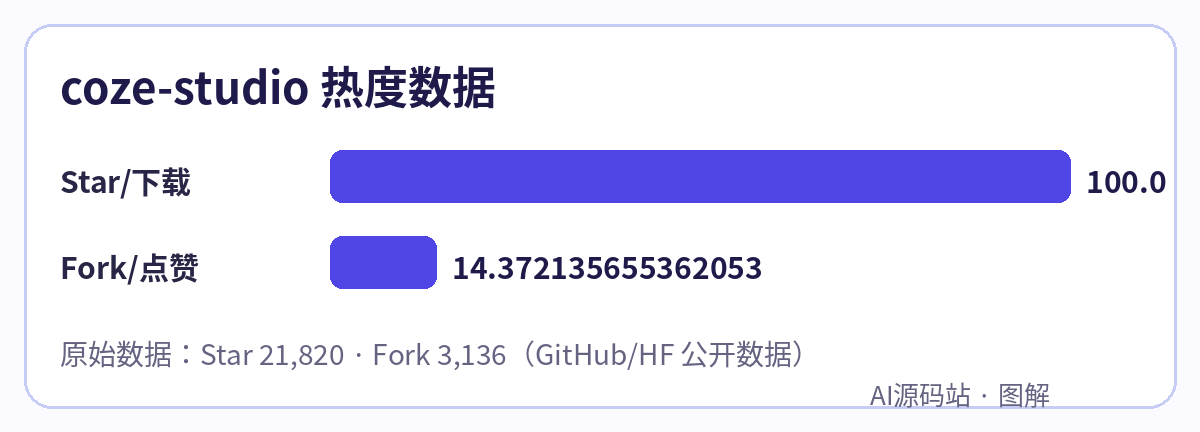
- Star:21,820;Fork:3,136(Fork 数高说明二次开发的人多,生态通常更耐用)
- 仓库:github.com/coze-dev/coze-studio
- 本站镜像:热门项目源码包陆续镜像到本站下载站(dl.yuanmazhan.net),国内拉取困难的项目优先处理
安装上手
按项目官方 README 的方式起步(原文命令):
2. Deploy and start the service. When deploying and starting Coze Studio for the first time, it may take a while to retrieve images and build local images. Please be patient. If you see the message "Container coze-server Started," it means the Coze Studio service has started successfully.
装完先把示例跑通,再动配置——这类项目九成的坑出在环境变量与模型 Key 没填对。
优点与缺点(通用理性分析)
- 优点:开源可控、社区规模摆在数据里;TypeScript 技术栈对国内开发者友好;许可证 Apache-2.0 决定了商用边界,接入前先确认
- 缺点:这类项目迭代快、文档跟不上代码是通病;真要用于生产,模型费用、并发与安全(Key 管理、权限)都得自己兜底
适合谁
想把 聊天机器人 落地到自己业务/社群/工作流里的开发者与站长。先收藏本页,本站会跟踪它的版本变化与插件生态,有重大更新会在文末追加。












Please log in to view comments